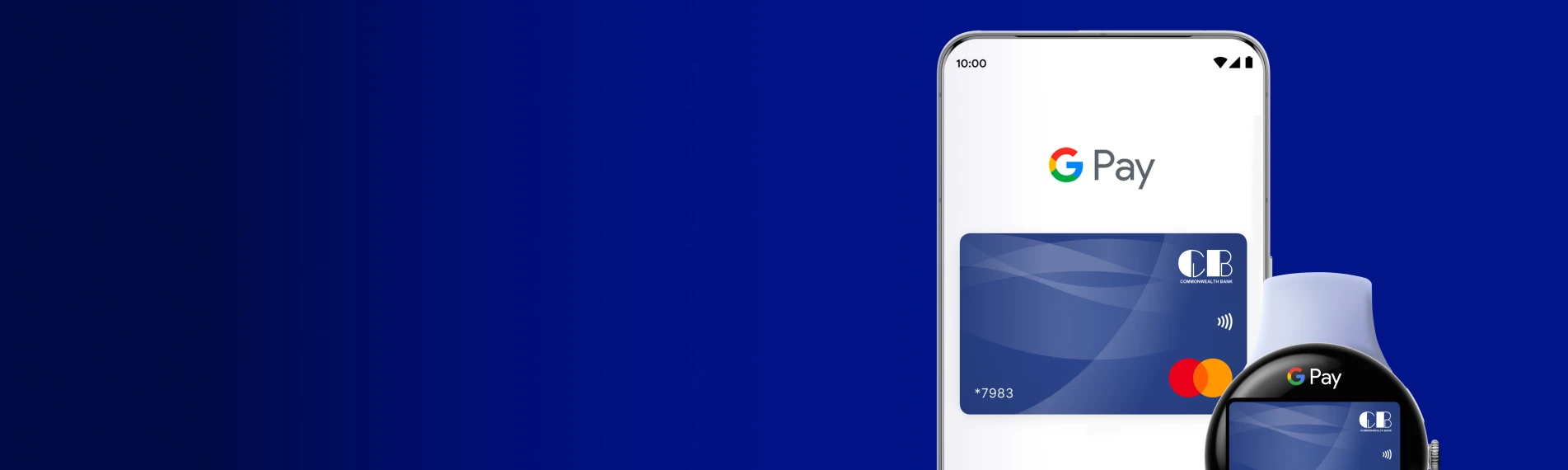
Experience the perfect combination of speed, security, and convenience.

Fast checkouts

Fast checkouts

Skip the line and pay in seconds. Compatible with most Android smartphones including Samsung Galaxy, Google Pixel, OnePlus, and more. Android 5.0, Wear OS 2.0 or higher.

Enhanced security

Enhanced security

Your card details stay protected. Make secure payments from your compatible android phone and/or your wrist watch.  

Supported CB Cards

Supported CB Cards

Available for all Commonwealth Bank credit, and prepaid cards. Add your existing CB card in seconds and start paying.

Connecting Your Device

  1. Get started by downloading the Google Wallet app from Google Play.
  2. Launch Google Wallet on your Android device and sign in with your Google account.
  3. Select “Add Card” and choose your Commonwealth Bank Credit or Prepaid card.
  4. Complete verification and start using Google Pay for fast, secure payments.
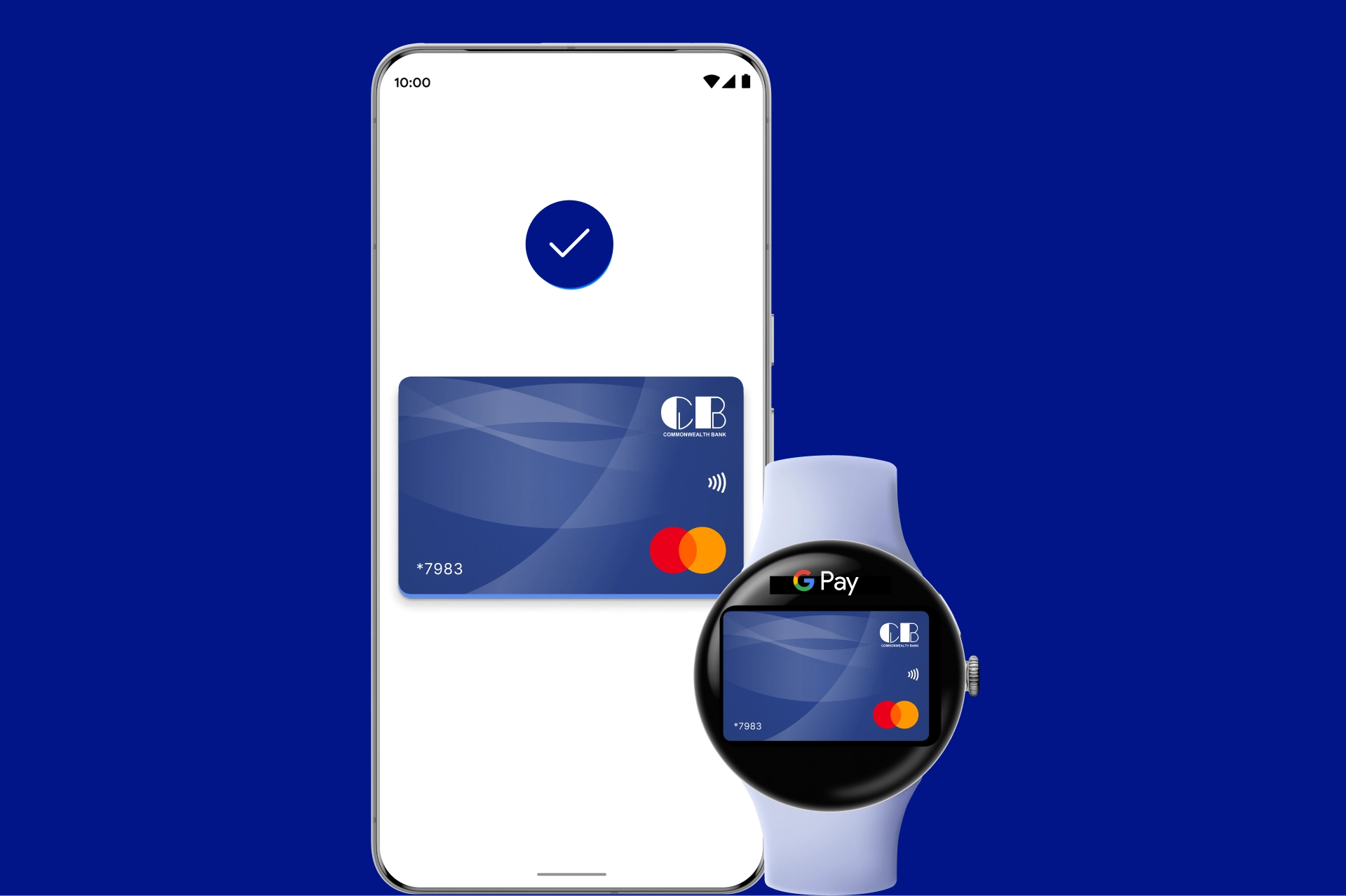
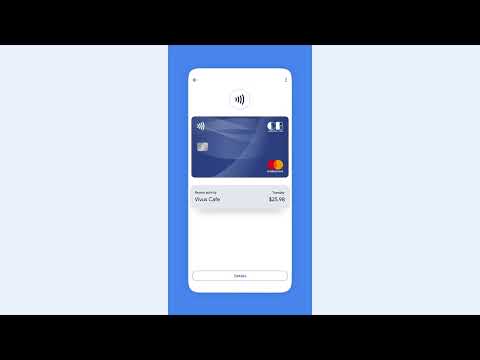
  1. At checkout, unlock your compatible Android Phone or Watch.
  2. Hold your phone near the Contactless Reader.
  3. Wait for the Checkmark and “Done” confirmation on your screen.

Where To Use

One Touch Payments Everywhere

From your favorite local spots to movie theaters, cafes, and hotels - enjoy seamless payments with your Androind Phone or Android Smart Watch. Simply look for the Google Pay logo at the terminal for quick, contactless payments.


Where To Use
We use cookies

By using our website you agree to our Privacy Policy.

Ok, Thanks